
Enter the AAHC URL in the web browser to open the login page.
Enter admin as the Username and the Password.
The default password for the admin user is set to:
!am@aaHc
Click Login.
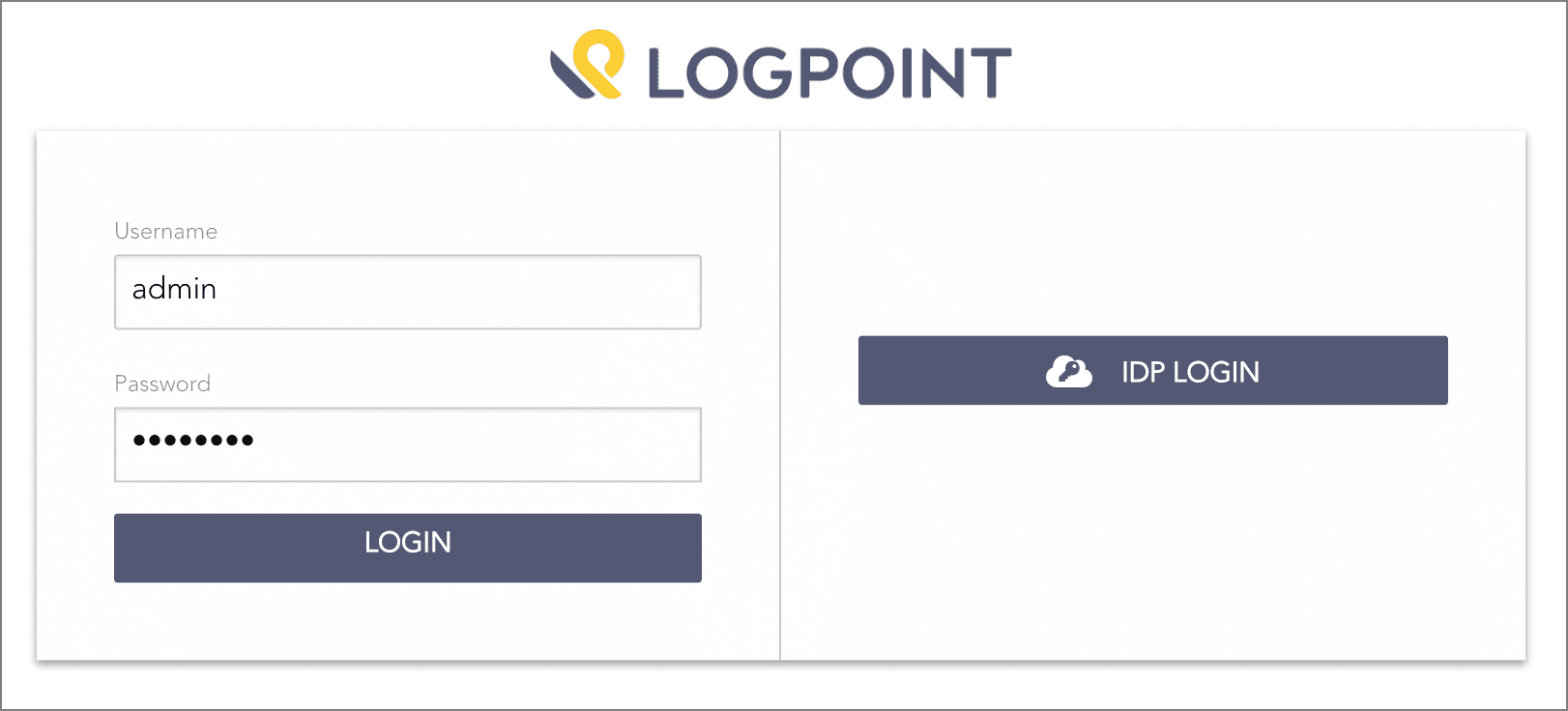
Logging in as Admin
AAHC prompts you to change your password if:
You are logging in for the first time.
You upgrade to AAHC v1.6.0.
AAHC locks users after five unsuccessful login attempts and unlocks them automatically after 15 minutes. However, you can immediately unlock the admin user by executing the unlock-useradmin command in AAHC console.
AAHC provides two authentication options for the search, report, report admin, and super admin users:
Users created by the Admin User can log into AAHC via AAHC authentication using the following steps:
Enter AAHC URL in a web browser to open the login page.
Provide your Username as created by the admin and the Password.
a By default, the password is set to “1am@aaHc”. You can change the password after logging into AAHC.
Click Login.
AAHC prompts you to change your password if:
You are logging in for the first time.
You upgrade to AAHC v1.6.0.
AAHC locks users after five unsuccessful login attempts and unlocks them automatically after 15 minutes. However, to immediately unlock your account, contact your admin user.
You can log into AAHC via the single sign-on (SSO) authentication with your IdP credentials. AAHC collects the information about the users and their attribute settings via SAML tokens.
Note
Refer to the Expected SAML Token Format for IdP Authentication section for details on the expected SAML tokens.
You need to configure the IdP settings in AAHC to enable the IdP authentication. Refer to the Authentication Settings section to configure the IdP settings.
After configuring the IdP settings, you can log into AAHC using the following steps:
Enter AAHC URL in a web browser to open the Login page.
Click IDP Login. It redirects you to the IdP authentication page.
Provide your IdP credentials to access AAHC.